Create Your Own
Amazing Comic
Pages Online
with MoodToonz
Start Designing Your Comic Page
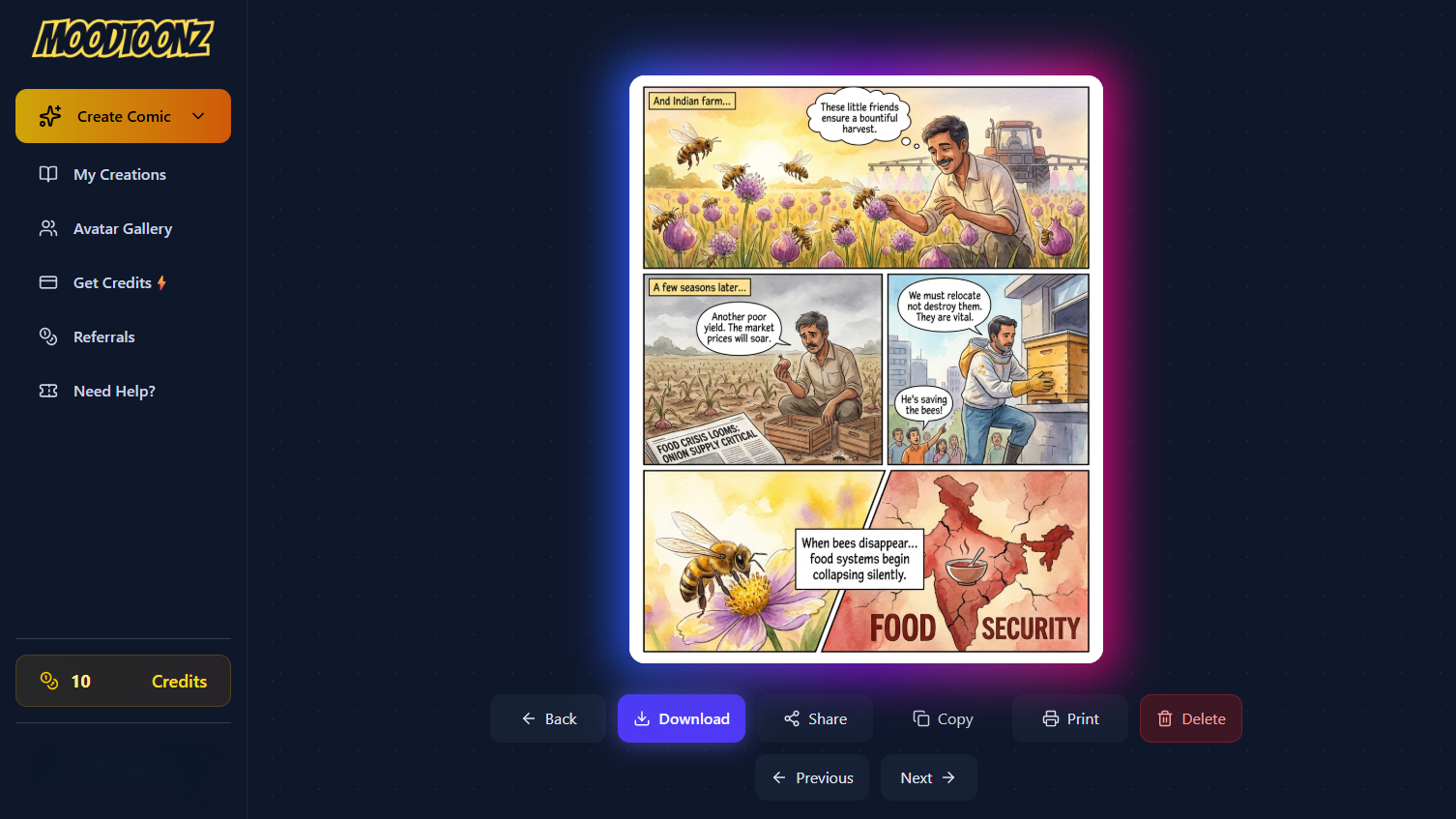
Everything you need to build a graphic novel
Professional layouts and stunning art, generated in seconds.
Dynamic Layouts
Choose from 4-panel, 9-panel dense grids, cinematic, or full-page splash layouts to pace your story perfectly.
Multiple Art Styles
Select from Modern Comic, Noir, Manga, Cyberpunk, or Watercolor to match the exact vibe of your narrative.
Consistent Characters
Upload avatars and tag them using the '@' symbol. MoodToonz keeps your characters consistent across every panel.
How to make a comic page
Write your script
Think of an epic adventure, dramatic scene, or engaging dialogue to turn into a full comic page layout.
Set the style and layout
Select your art style (Manga, Noir, etc.) and pick a grid layout that best fits the pacing of your script.
Cast your characters
Use custom avatars of yourself or your friends to bring familiar faces directly into your comic book universe.
Generate and build
Watch as MoodToonz turns your prompt into a high-resolution, professional vertical comic page instantly.
Cast yourself and your friends with custom avatars
When you’re generating a story for your comic strips, chances are you already know exactly who should star in it. With our Avatar feature, you can bring real people into your comics! Simply upload a photo of yourself, your friends, or your family to create a custom character and cast them directly in your comic strips.
Tag your avatars seamlessly in your story prompt using the '@' symbol. Whether they're reacting to a hilarious everyday situation or embarking on a wild adventure, MoodToonz ensures your characters maintain consistent appearances and expressions across every panel. With our comic strip maker, your personal stories come to life starring the people you actually know.
To add a unique visual twist, you can also convert a photo to a cartoon and bring an extra layer of creativity to your characters.